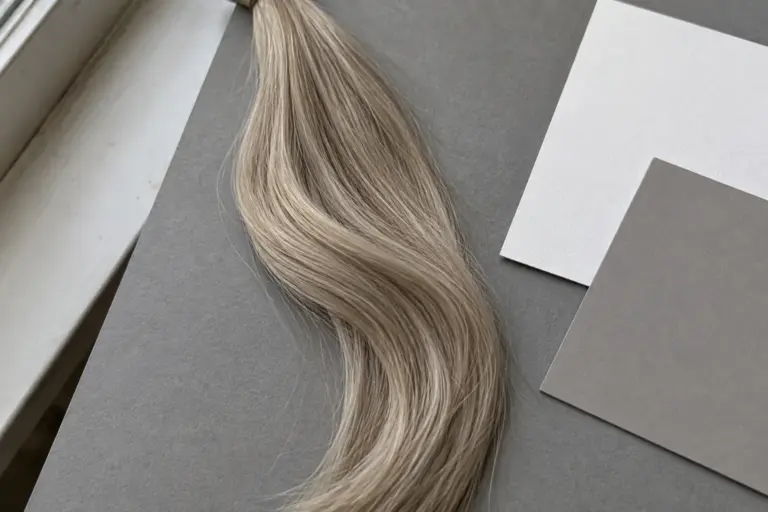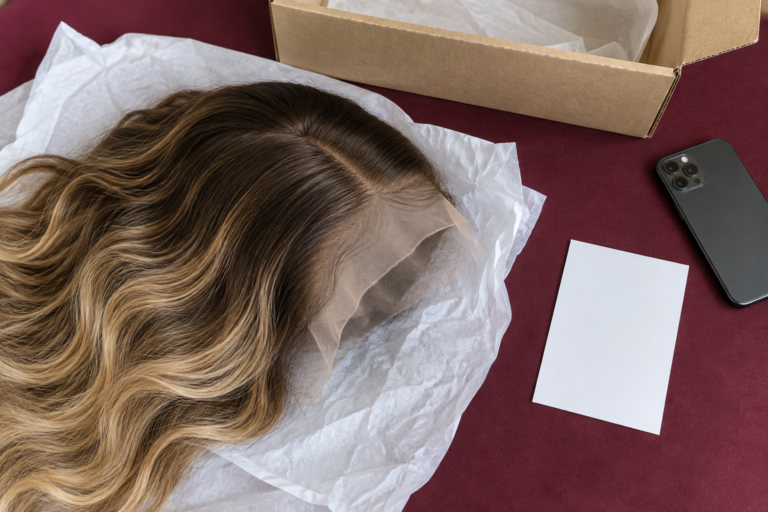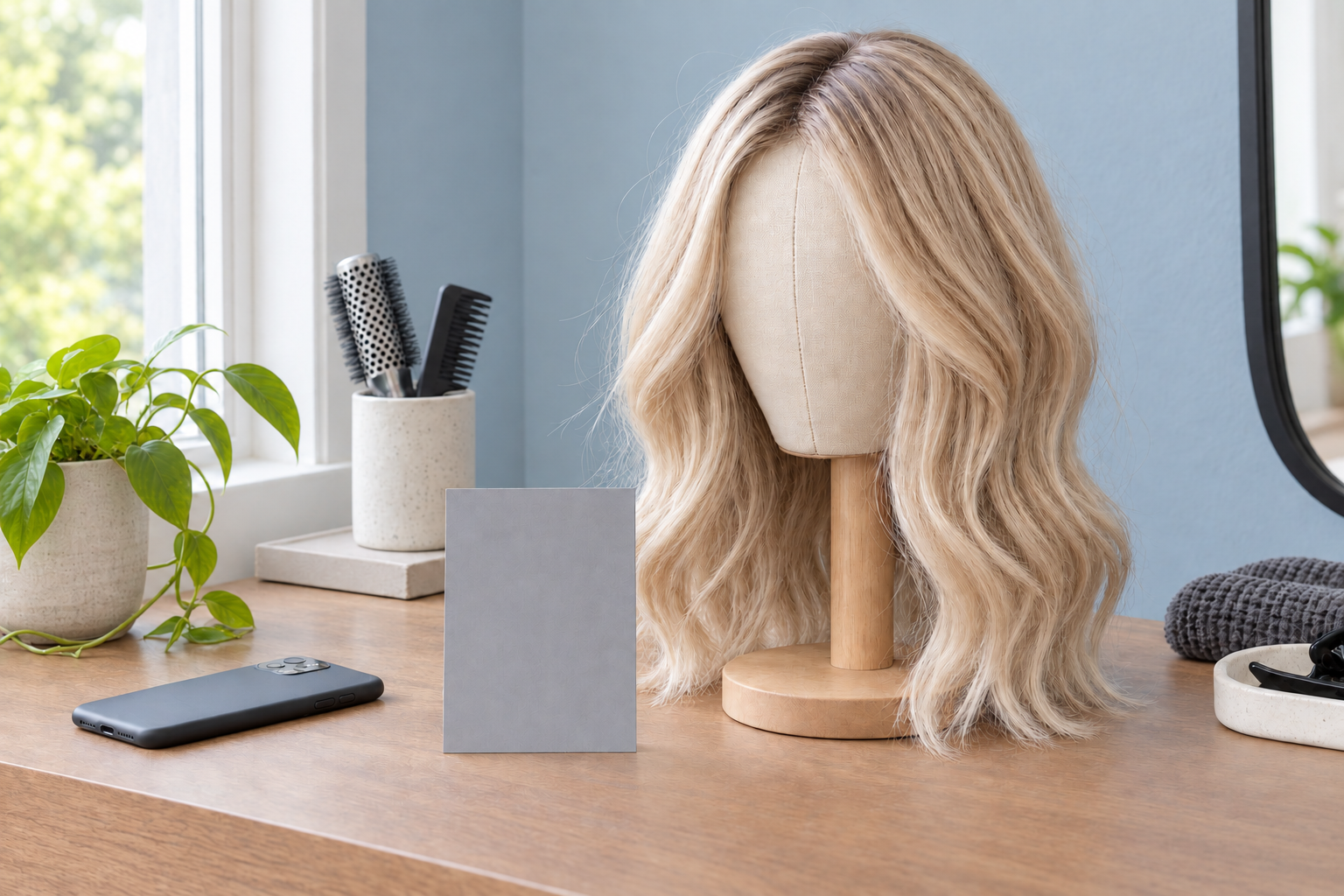

An ash blonde wig can look warmer, cooler, lighter or darker in a photograph because the light, camera settings and viewing screen all affect its appearance. That does not mean every color difference is a photography problem. If the sample and an agreed physical reference still differ when viewed together under the same light, the color itself needs closer review.
For a salon or wig seller approving a custom shade remotely, the useful question is: what changed between the two views? Check that before asking for more ash, less warmth or a lighter result. A correction based on a misleading photo can move the next sample away from the color you actually wanted.
Light changes what you see before the camera takes a picture
Warm room lighting can make blonde lengths appear more golden. Cooler illumination can emphasize a cooler impression. A wig beside a window with a warm ceiling light still switched on may receive both at once: the side facing the window and the side facing the room can look different.
Start by simplifying the light. For a comparison photo, use one consistent source, avoid a direct patch of sun across part of the hair, and turn off a conflicting room light. Put the reference and the sample beside each other rather than comparing photographs taken in separate rooms.
“Natural light” is not a complete description of a setup. The appearance can change with weather, time and the light reflected from surrounding surfaces. A photo taken by a window yesterday is not automatically comparable with one taken outdoors today.
The aim is repeatability, not the most flattering picture. A moody salon photograph can be useful as a style reference, while leaving the exact blonde tone uncertain. Separate that styling inspiration from the image used to approve color.
White balance can shift the whole photograph
White balance is the camera’s adjustment for the color of the illumination. Automatic white balance tries to make the scene look neutral, but two cameras—or two frames with a changed background—may make different adjustments.
Adobe’s explanation of white balance describes how lighting and camera correction can produce color casts, and how a photographic gray card can provide a neutral reference. For a wig comparison, that suggests a simple check: look beyond the hair. If a known neutral object also looks unusually yellow or blue, the photograph may have an overall cast.
That is a clue, not proof that the hair matches. A random sheet of paper is not a calibrated color target, and a gray card does not correct every problem in mixed lighting. Where available, put a photographic neutral card in the same light as the hair and keep it visible in the original frame. Do not recolor the hair in an editing app until it resembles the reference; that removes the very difference the buyer needs to evaluate.
Ask for the original image file without a beauty filter, color preset or screenshot overlay. “Unfiltered” still does not mean an exact color measurement: phone cameras process images automatically. It simply removes some avoidable uncertainty.
A brighter ribbon is not necessarily a warmer ribbon
Balayage contains changes in depth and placement as well as tone. A pale face-framing section, a darker root and a mid-length ribbon should not all be judged from one average impression of the photograph.
The shape of the hair matters too. A curved wave presents some surfaces toward the light and others away from it. A reflection can make one section look much brighter, while the neighboring section sits in shadow. Before calling that patch too light, ask to see the same area as the wig turns slowly without changing the lighting.
Describe the part you mean. “The face frame looks too bright beside the root” is more useful than “the blonde is wrong.” If the concern is warm versus cool rather than brightness, use the ash blonde and honey blonde comparison to keep those descriptions separate.
Compare the same file before comparing two screens
If the buyer sees beige while the supplier sees gray, first check that both are viewing the same original file. A cropped screenshot or edited repost may already be a different version.
Then check the display. Night modes, screen color settings and differences between displays can change what each person sees. BenQ explains why colors can differ across screens; matching the file alone does not make two displays identical.
Turn off an intentional warm night-display mode for the comparison and avoid judging one image at a very different screen brightness from the other. These steps make the discussion more consistent, but a phone screen still cannot settle an exact physical match. When a close match matters to an order, review the physical sample against the agreed reference.
Request a small set of useful views
Three photographs and a short video can answer different questions. They do not need elaborate styling or a new background for every shot.
| View | What it helps you judge | What to keep consistent |
|---|---|---|
| Full front view | Root depth, face frame and overall placement | Light source, camera position and exposure |
| Back or side view | How the blonde continues through the lengths and ends | Same setup as the front view |
| Close view of the disputed area | The specific ribbon, transition or section in question | Include nearby hair for context; avoid glare |
| Slow turn in a short video | Whether a bright patch changes with angle | Keep the light steady and avoid moving between rooms |
If you have an agreed physical color reference, include it beside the sample in the same frame and in the same light. If the reference exists only as a photograph, say so: placing its screen next to the wig does not create a reliable physical color comparison.
A practical message to send with a query is:
Please show the front, back and this marked section under the same light, without a color filter. Keep the light and camera settings steady for a short turn video. I am checking the warmth of the mid-length blonde, not the width of the face frame.
Change the final sentence to the feature you are actually evaluating. Marking one area and naming one concern reduces the chance of changing an already-correct part of the design. The reference-photo brief guide explains how to record roots, ribbons and face-framing placement separately.
When the difference still needs a color review
Do not accept “it is just the lighting” as a complete answer when consistent comparison views still show a difference. Equally, do not prescribe extra toning from a warm-looking screenshot alone.
Work through the evidence in order: confirm the file, simplify the lighting, compare the same sections and inspect the physical sample where the match is important. Record whether the issue concerns tone, lightness, root depth or placement. Those are different requests, and changing one may not resolve another.
NUSFACE’s displayed wigs are color and style references that can be adapted for a custom order. You can discuss the target shade and the views needed for approval with our business team through Custom Service. Keep the agreed reference and written color notes together so the order is based on a defined result, rather than whichever photograph happened to look best on a particular screen.